MacWedding RAW editor
From card to client proofs.
Cull the day, match the color from ceremony to reception, and write JPEG proofs. The folder stays where it is. Photos are not uploaded.
Free download · First 80 proofs free · macOS 26 or later
Reads RAW from
- Sony ARW
- Canon CR3 · CR2
- Nikon NEF · NRW
- Fujifilm RAF
- OM System ORF
- Panasonic RW2
- Pentax PEF
- Samsung SRW
- Leica RWL
- Hasselblad 3FR · FFF
- Phase One IIQ
- Adobe DNG
- Stills JPEG · HEIF
A JPEG or HEIF beside a RAW folds into one frame.
01Mixed light
Six kinds of light. One wedding.
Window light while she gets ready. Shade in the courtyard. Sconces in the ballroom. Shot as it comes, a wedding drifts from frame to frame. Graycard shows the drift before you export, and flattens it when you lock white balance.
-
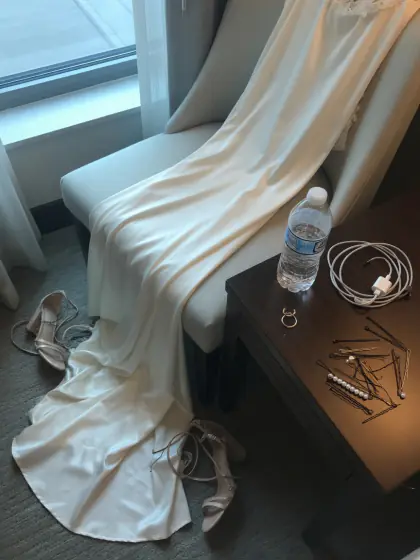
13:40 Getting ready Window light · 6,200 K
-
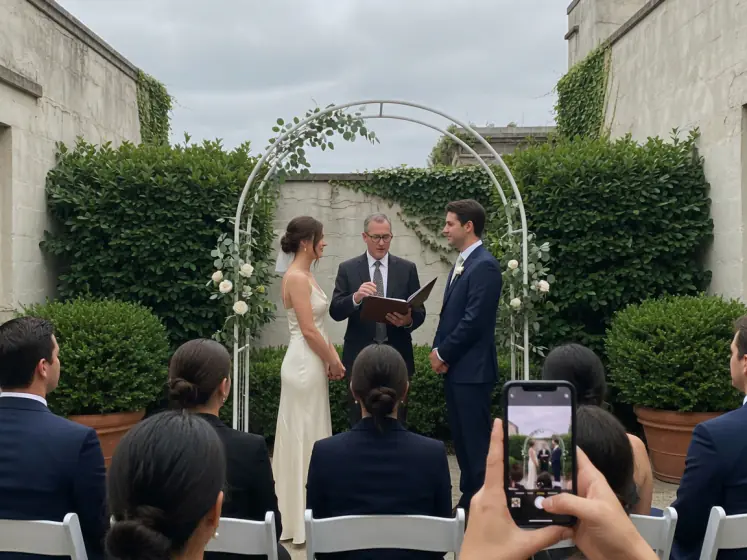
15:10 Ceremony Overcast courtyard · 6,800 K
-
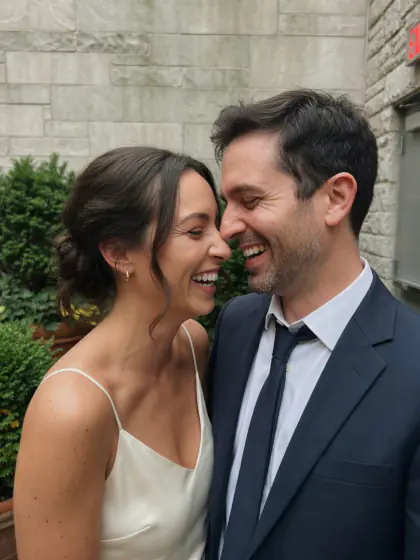
15:35 Portraits Open shade · 7,400 K
-
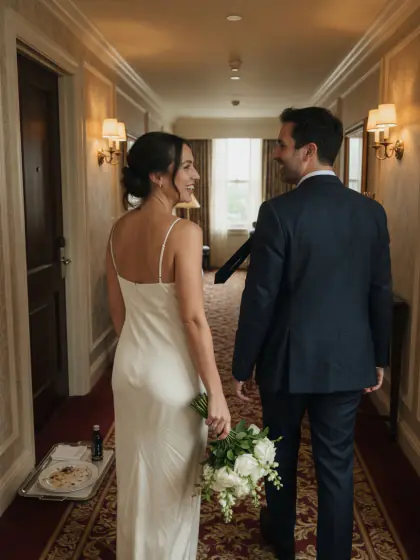
18:20 Hallway Sconces and a window · 4,300 K
-
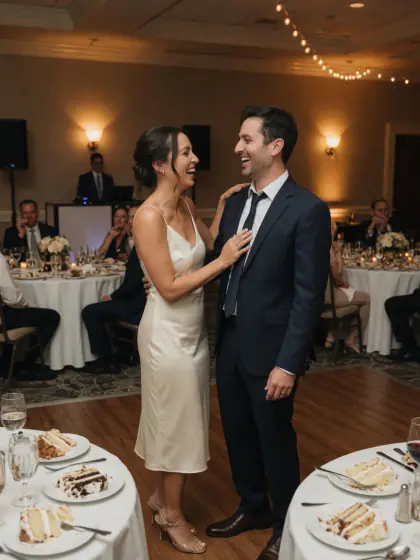
21:00 First dance Tungsten · 3,000 K
-
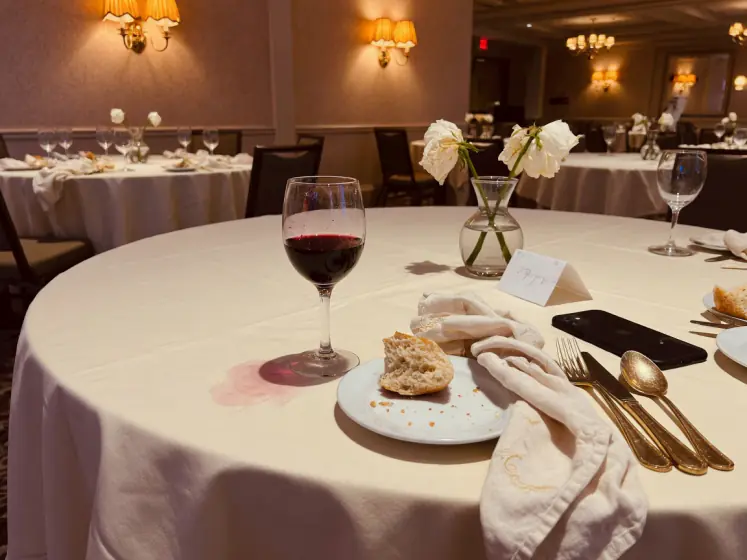
21:40 Dinner Candles and sconces · 2,700 K
The sequence meter colors each frame by its rendered cast, so drift shows before export. An indicator, not a measurement.
02Auto-cull
Auto-cull finds the misses.
Blur, closed eyes, bad exposure, and bursts, flagged on this Mac. You review every one. Nothing is deleted.
of 12 5 frames to review out of 12
Review
- P Pick
- X Reject
- U Unflag
- 0–5 Stars
Strictness: Gentle, Balanced, or Strict, with each check tuned on its own. Auto-cull reads the camera's embedded previews, not the full RAW.
-
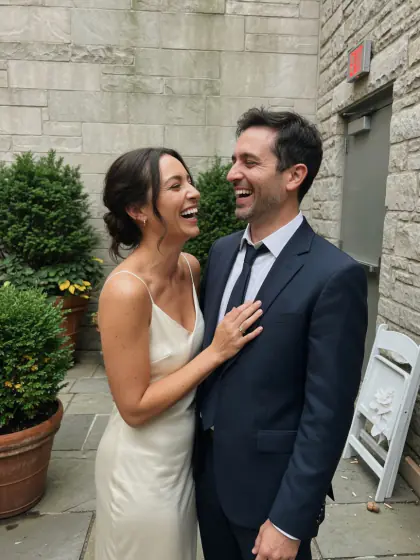
4108Keep
-
4109–4111Burst · keep 1
-
4112Keep
-
4114Eyes closed
-
4119Keep
-
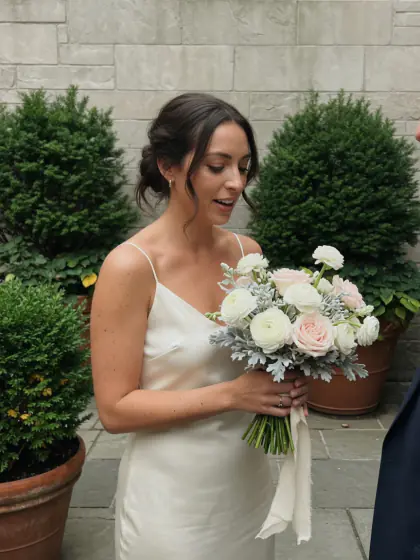
4126Blown highlights
-
4133Out of focus
-
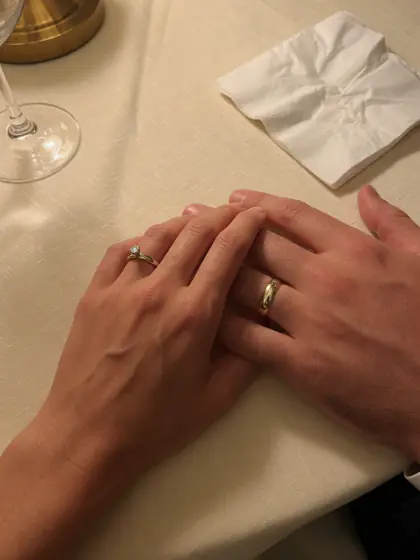
4140Keep
-
4148Too dark
-
4155Keep
-
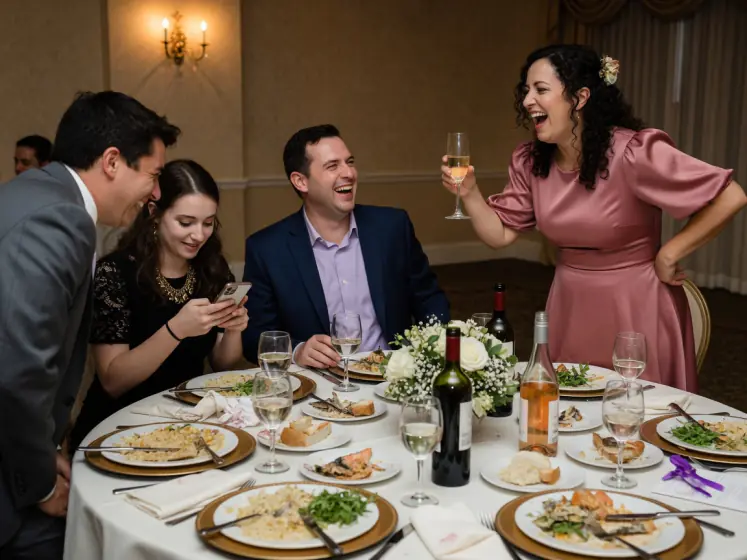
4161Keep
-
4170Keep
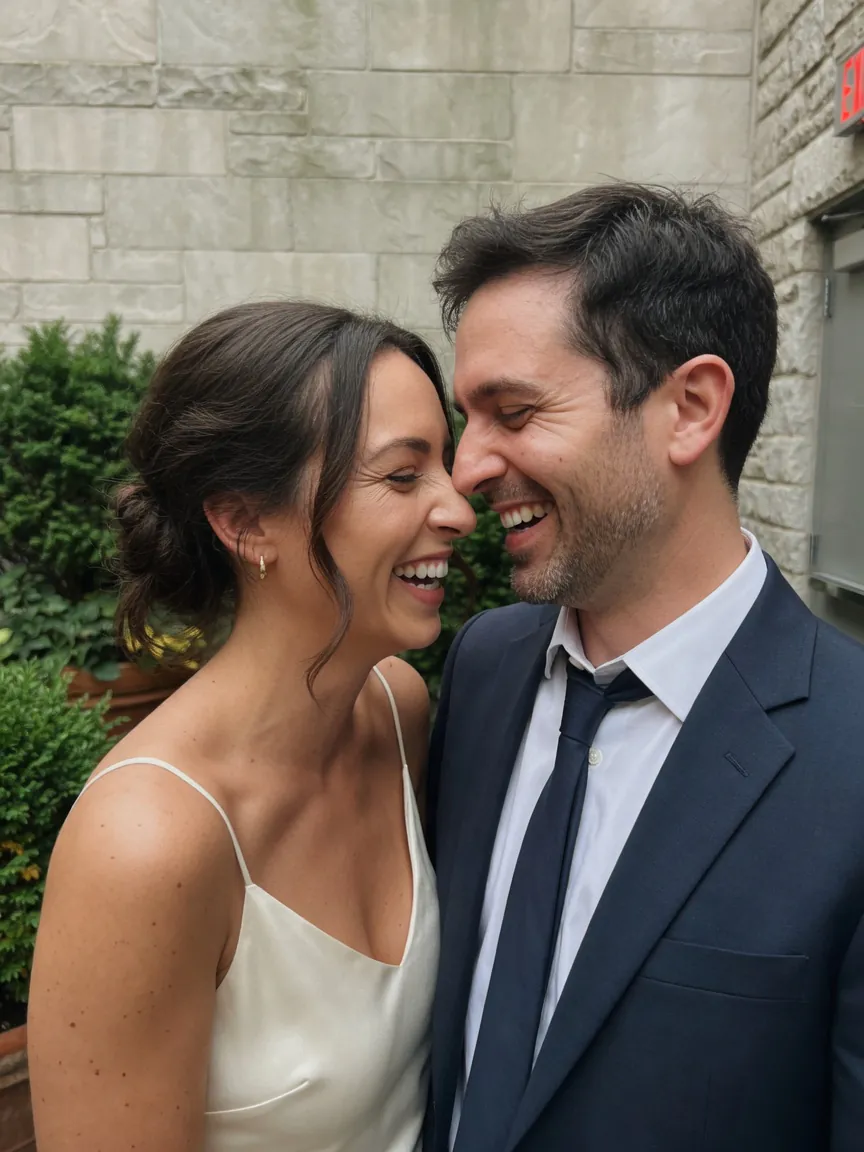
03Graycard Auto
Balanced before you touch a slider.
Face balance, tone, and vibrance, set on each frame before you touch a control. Disagree, and the meters are right there. A wedding look can finish it.
04Wedding looks
Twelve looks, made for weddings.
True to color, light and airy, film, and black and white. Each one previews on your own frame, with one intensity for the whole look.
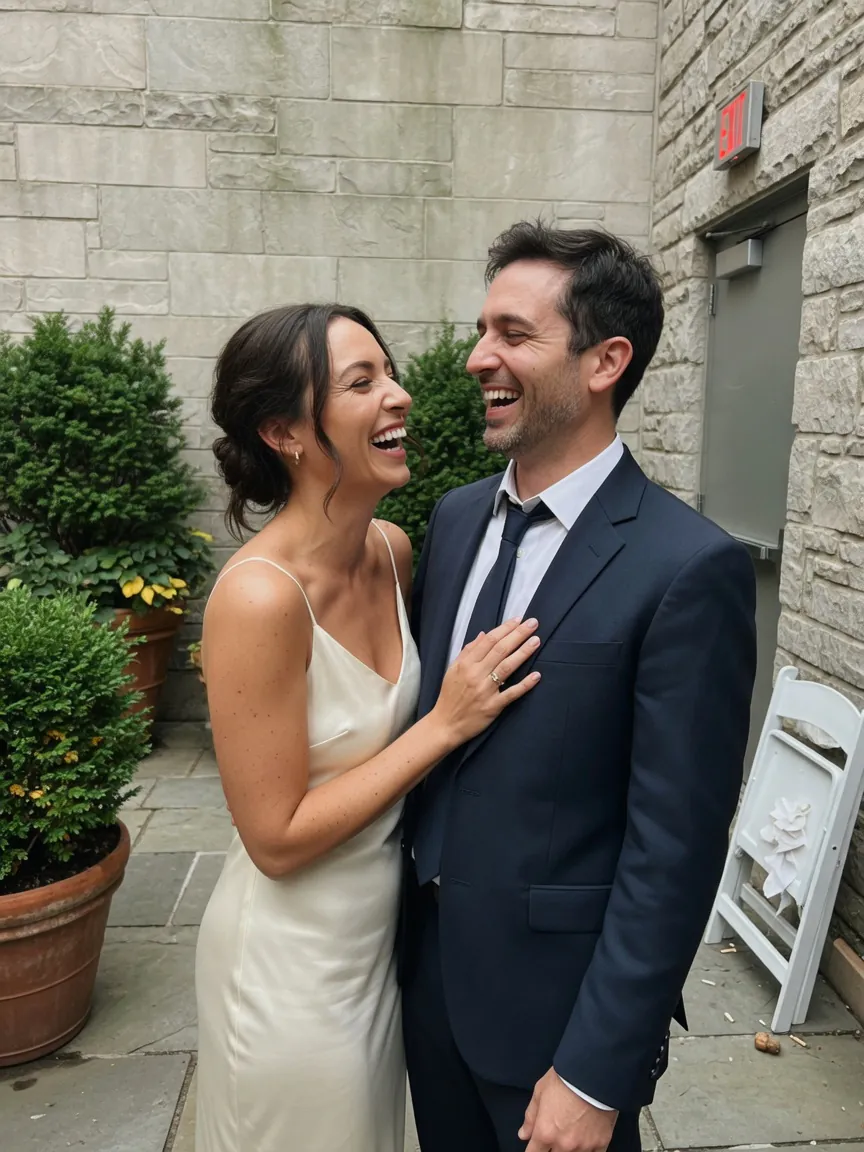
Spring and summer ceremonies. Brighter and softer, warm skin, greens that stay green. Night frames stay night.
The engine's own recipes, rendered live in your browser. Save any look as a style and share it as XMP.
05Match the day
Grade one frame. Match the ceremony.
Copy the source onto the frames you kept, or lock one white balance and let Auto set the tone. Save a look as a style and share it as XMP.
Source
4112As shot
4114As shot
4119As shot
4126As shot
4140As shot
4148As shot
06JPEG proofs
Client proofs. Originals untouched.
Graded JPEGs, with the color profile and shot data, written to a folder you choose. Camera files stay as they are.
- Kept
- Shot date, camera, lens, GPS, IPTC credit
- Dropped
- MakerNote
- Format
- JPEG with an sRGB ICC profile. 16-bit TIFF only if you turn it on.
- Sidecar
- XMP with ratings, labels, and white balance
- Originals
- Read in place. Never written.
Export proofs
JPEG proofs go to a folder you choose. Camera files stay where they are.
Card · Untitled
DCIM / 100MSDCF
- DSC_4108.ARWunchanged
- DSC_4108.JPGunchanged
- DSC_4112.ARWunchanged
- DSC_4114.ARWunchanged
- DSC_4119.ARWunchanged
- DSC_4126.ARWunchanged
- DSC_4140.ARWunchanged
Proofs · Your folder
~/Pictures/Proofs
- DSC_4108_graded.jpg2.4 MB
- DSC_4108_graded.xmp4 KB
- DSC_4112_graded.jpg2.9 MB
- DSC_4114_graded.jpg2.2 MB
- DSC_4119_graded.jpg2.6 MB
- DSC_4126_graded.jpg2.3 MB
- DSC_4140_graded.jpg2.1 MB
Each proof is written as soon as it is graded. A job can resume after sleep if the volume is still there.
07Keyboard
Cull at the speed of the card.
Stars on 0 to 5, pick on P, reject on X, unflag on U. The next photo comes up as you mark. Z checks focus at 100%. Try it here.
Press the keys while this is on screen, or tap them. Click the frame, then hold Space for the camera file.
08Private by design
Client photos stay on this Mac.
No account. No library. The folder stays where you opened it, and photos are not uploaded.
- 0
- bytes copied into a library
- None
- account to create
- Off
- analytics, until Settings
Proofs go to a folder you choose. Purchases use the App Store. Analytics is off until you turn it on in Settings › Privacy; then anonymized events go to PostHog in the EU. Photos, recipes, proofs, folder paths, and client names are never included.
This Mac
audit this page --live
- requests made
- ·
- to other domains
- ·
- third-party scripts
- ·
- cookies set
- ·
Measured in your browser just now, from Resource Timing and document.cookie. Nothing was sent to produce it.
09Free, then Pro
Every tool free. Pro for full weddings.
Your first 80 unique proofs are free, and writing them again stays free. Pro lifts the limit, so a whole wedding goes out in one export.
Always free
- Auto-cull
- Graycard Auto
- Twelve looks
- Copy look
- Styles and LUTs
- Crop
- TIFF and XMP
- Studio logo
Graycard Pro
Deliver every shoot.
The studio is free. Pro lifts the 80-proof limit, so a whole wedding goes out in one export.
Renews yearly. Cancel anytime in the App Store.
Choose Pro inside the app when a shoot needs it. No trial and no account.
- Unlimited proofsEvery shoot, every size, JPEG or 16-bit TIFF. Proofs you wrote before stay free to write again.
- Still on this MacThe same on-device engine. No account, and photos are not uploaded.
- Family SharingEvery plan covers up to five people in your family.
Prices in USD. The Mac App Store shows yours before you buy. Monthly and yearly renew until you cancel at least 24 hours before the period ends.
01Does Graycard import or copy my photos?
No. Graycard reads the files where they are, on the card or drive, through a macOS security-scoped bookmark. There is no library to import into. Grades are stored as small recipes on your Mac, and the original files are never changed.
02Which cameras and formats does it read?
RAW from Sony, Canon, Nikon (NEF and NRW), Fujifilm, OM System, Panasonic, Pentax, Samsung, Leica (RWL), Hasselblad (3FR and FFF), and Phase One (IIQ), plus DNG, JPEG, and HEIF. A JPEG or HEIF shot beside a RAW folds into that RAW, and a RAW with no still beside it still grades.
03Does Auto-cull delete anything?
No. Auto-cull only suggests rejects: blur, closed eyes, bad exposure, and burst duplicates. You review the flags and decide. Graycard never deletes a file. Auto-cull reads the camera's embedded previews, not the full RAW.
04Is my work uploaded anywhere?
Photo bytes are not uploaded. Culling and grading run on your Mac. There is no account. Analytics is off until Settings › Privacy. When you turn it on, anonymized events and an anonymous install ID go to PostHog in the EU. Photos, recipes, proofs, folder paths, and client names are never included, and the data is not used to track you across other companies' apps.
05How does it keep a whole wedding consistent?
Copy Look carries one frame's grade across a selection. On export, Lock white balance, then Auto holds one temperature for a mixed-light run while Auto still sets the tone of each frame. A sequence meter under the grid colors each frame by its cast, so drift shows before you export.
06What does an exported proof contain?
An ICC-tagged JPEG by default, with an XMP sidecar beside it carrying ratings, labels, and white balance. 16-bit TIFF is written only if you turn it on in Settings. The proof keeps the shot date, camera, lens, GPS when the photo has it, and your IPTC creator and copyright. MakerNote is dropped.
07What can't it do?
Color is global: there are no local masks and no lens-profile editor. Auto-cull is preview-based, not a full-RAW quality cull. Graycard is a Mac app; there is no iPhone or iPad version.
08Is Graycard free?
Graycard is free to download, and every tool is free. The first 80 unique proofs are free, and writing those proofs again stays free. Graycard Pro lifts that limit, as a monthly or yearly subscription or a one-time Lifetime purchase. The Mac App Store shows the price in your currency before you buy. Family Sharing is included, and Restore Purchases is in the app.
09What Mac do I need?
macOS 26 or later, on Apple silicon or Intel.
Deliver every shoot.
Open a folder, cull the day, match the color, and hand over proofs. On your Mac, from the first frame to the last.
Free download · First 80 proofs free · macOS 26 or later · Apple silicon or Intel
Graycard is a Mac app. Send the link to your Mac and open it there.